
How do you make an online test paper?
Open the SurveyHeart Quiz Builder and add your questions, mixing Multiple Choice, Short Answer, and Long Answer types into sections like a real paper. Set marks for each question so the paper is weighted, turn on Timed Tests, and share one link. Multiple Choice and Short Answer score on their own, you grade Long Answer by hand. No app or login is needed to attempt.
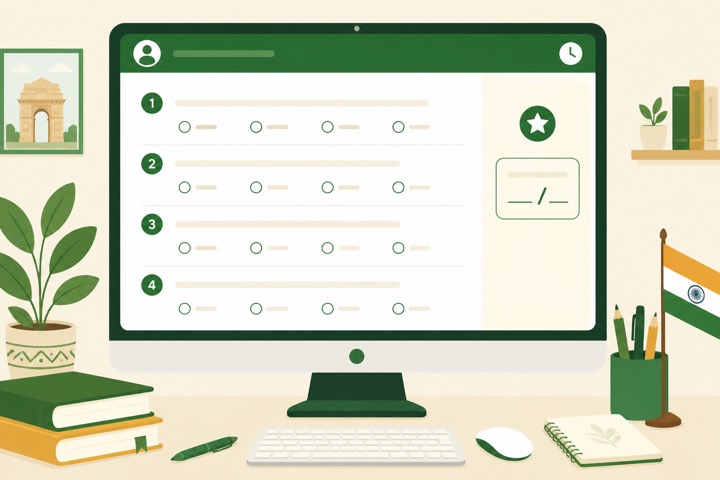
Make your test paper step by step
Six steps from a blank test to a shared link.
- 1
Open the Quiz Builder and name the paper
Sign in to your free SurveyHeart account, open the Quiz Builder, and create a new test. Give it a clear title like Class 10 Maths Half-Yearly or NEET Biology Mock. This title shows at the top for every student who opens the link.
- 2
Build the sections with mixed question types
Add questions one by one and set a type for each. Use Multiple Choice for quick recall, Short Answer for a one-word or one-line reply, and Long Answer for full written answers. A real paper mixes all three, for example Section A with 10 one-mark MCQs, Section B with five 3-mark short answers, and Section C with two 5-mark long answers.
- 3
Set marks per question so the paper is weighted
Set the marks for each question in its marks field, so a 1-mark MCQ and a 5-mark long answer count differently. The section above totals 10 plus 15 plus 10, which is 35 marks. SurveyHeart adds the total on its own, so you build a proper weighted paper instead of treating every question the same. A wrong answer scores zero, there is no negative marking.
- 4
Turn on Timed Tests and preview
Open the settings and turn on Timed Tests with a duration like 60 minutes for that 35-mark paper. When the clock hits zero the test submits on its own, so nobody works past the limit. Leave it off for open practice. Use Preview Quiz to take your own paper once and confirm the marks and timer feel right.
- 5
Share one link on WhatsApp
Tap share to get one link and send it on WhatsApp or any group. Students open it in any phone browser and start, no app and no login needed just to attempt. One link works for the whole class.
- 6
Grade long answers and check the report
MCQ and short answers score automatically. For long answers you open each submission and award the marks yourself. Every student then sees a percent score and an answer sheet, and you get a report of every score.
The same test, on every student phone
A timer that submits on its own, one question at a time with clear right and wrong marks, an instant score and a rank list.
A timer that submits on its own, with one clear question at a time.
A percent ring with a correct, wrong and skipped split, the moment a student submits.
After they finish, students see the right answers, so the test doubles as revision.
Tips for a better test paper
Weight the marks
Give long answers more marks than MCQs so the score matches real exam value.
Pick a fair time
Roughly one minute per MCQ and more for long answers, then add a small buffer.
Plan your grading
Long answers need manual marking, so keep the count sensible for a quick check.
Take the test yourself first
Attempt your own link once to catch typos and confirm the timer and marks.
Use the leaderboard
It ranks by score then speed and updates when the page is refreshed, good for mock tests.
Share one link only
Send a single WhatsApp link to the whole group instead of separate messages.
Ready to set your test paper?
Add your questions, set the marks, and share one link.
Questions people ask
Can I mix MCQ, short answer, and long answer in one paper?add
Yes. You can add all three types in the same test and set different marks for each, so it works like a real exam paper.
Are long answers scored automatically?add
No. MCQ and short answers score on their own, but long answers are graded by hand. You open each submission and award the marks yourself.
Do students need an app or a login to attempt?add
No. They just open your link on any phone browser and start. No app to install and no login needed to attempt the test.
What happens when the timer runs out?add
The test submits on its own when the time is up, so nobody can keep working past the limit. You can also leave the timer off for open practice.
Can I see how everyone scored?add
Yes. You get a report of every score, and there is a leaderboard that ranks by score then speed. The leaderboard updates when the page is refreshed.